A D-U-N-S Number is a unique nine-digit code that identifies your business internationally. Think of it like a company ID number that Apple and Google use to verify your company is real before letting you publish apps under your organization's name.
The number is issued by Dun & Bradstreet (D&B), a global business data company. In South Africa, D&B requests are handled locally by TransUnion. Requesting a D-U-N-S Number is free, but the verification process takes time, so it's best to get this sorted well before you need to set up your Apple or Google developer accounts.
Before You Begin
Your company must be a registered legal entity (like a (Pty) Ltd). Make sure you have:
- Your CIPC registration certificate -- this is normally a COR14.3 for a company.
- The exact registered legal name and registration number as they appear on your CIPC documents.
- Your company's physical and postal addresses.
- A company telephone number.
- A company website, if you have one.
- The name, role, work email, and phone number of the person handling this request (the contact person).
- Basic company information -- year established, approximate number of employees, and main business activity -- in case TransUnion asks for it.
Expected Costs and Timing
Requesting a D-U-N-S Number through TransUnion in South Africa is free. TransUnion doesn't publish a specific turnaround time, and D&B allows up to 30 business days for standard processing globally -- though South African requests are often resolved well inside that window. Treat the 30 days as your planning worst case rather than the expected wait.
Apple's own guidance is a useful yardstick for the end-to-end timeline:
- Allow up to 5 business days to receive the number from D&B after requesting it.
- Allow a further 2 business days for Apple to receive your details from D&B before you try to enroll.
- The same 2-business-day sync applies again any time you update your D&B profile.
D&B does sell an optional expedited service that returns a number within about eight business days. It's legitimate, but it's rarely worth paying for if you start early enough. What you should avoid is the separate category of third-party resellers promising "instant" D-U-N-S issuance for a fee -- the official channel is free and produces the same record.
Do You Actually Need One?
You need a D-U-N-S Number if you want to publish under your company's name:
- Google Play makes it mandatory. Google's documentation states that to create a developer account for an organization, "you must have a D-U-N-S number," and uses it to verify your identity.
- Apple requires one to enroll in the Apple Developer Program as a company or organization. Apple does not accept DBAs, fictitious businesses, trade names, or branches -- only your registered legal entity.
If you're a sole proprietor without a registered company, Apple's individual enrollment doesn't require a D-U-N-S Number, but your apps will be published under your personal name rather than a business name.
Step 1: Confirm Your CIPC Details
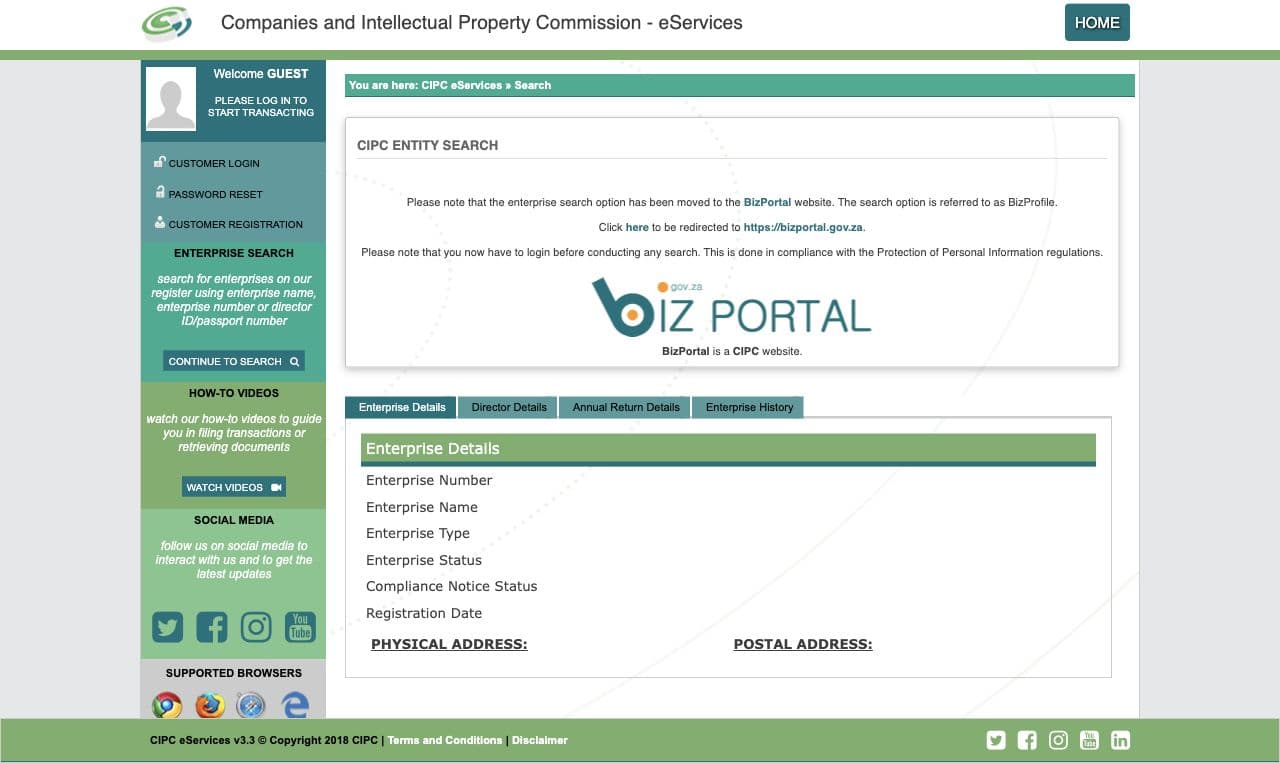
Before you contact TransUnion, make sure you know your company's exact registered details. Sign in to CIPC BizPortal or check your current registration documents to confirm the legal name, registration number, status, and registered address.
The legal name on your CIPC registration is what matters here. If your company trades under a different name than its registered name, use the registered one -- a trading name won't work for this process.
Step 2: Check Whether Your Company Already Has a D-U-N-S Number
Before requesting a new number, it's worth checking whether your company already has one. Many established businesses do, especially if they've dealt with international suppliers or applied for certain certifications.
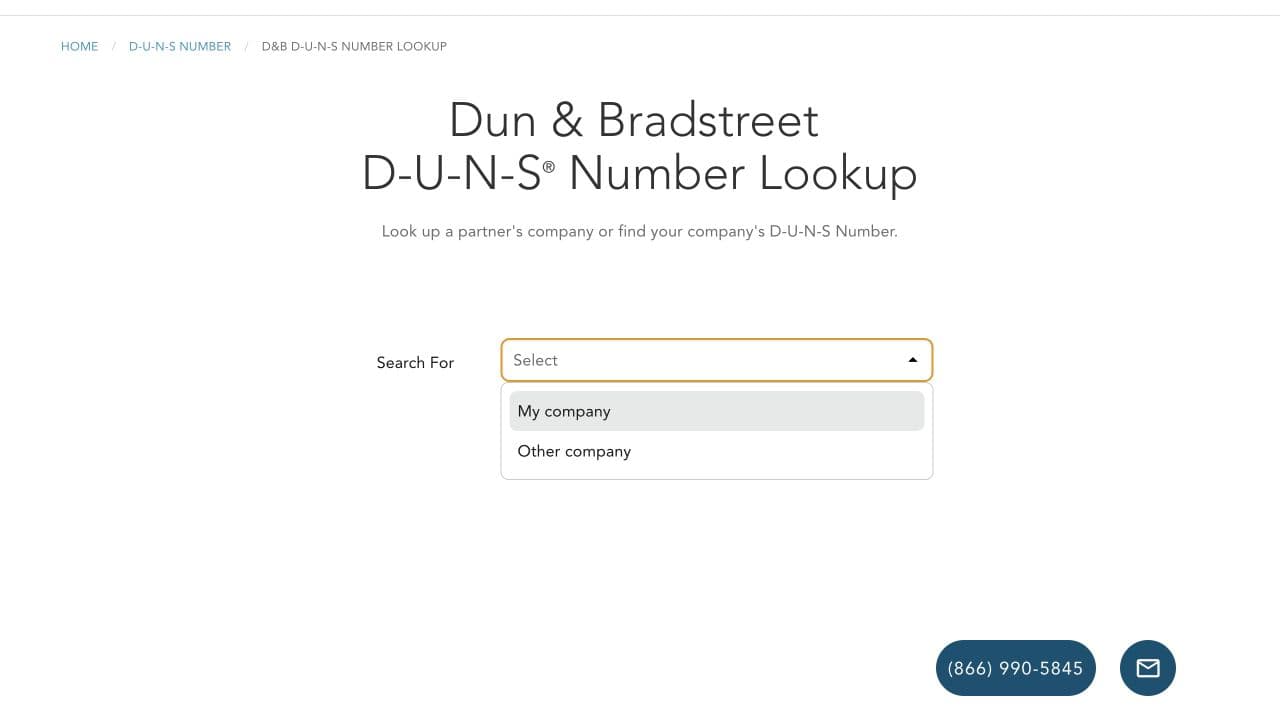
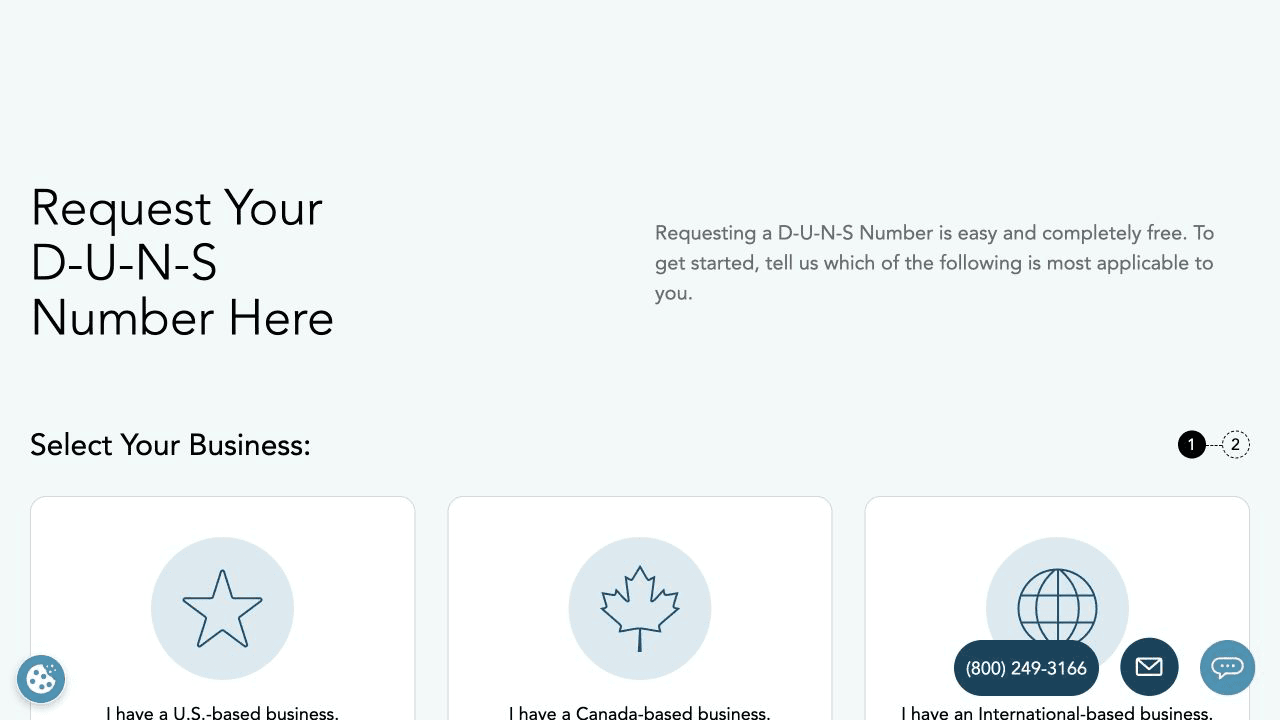
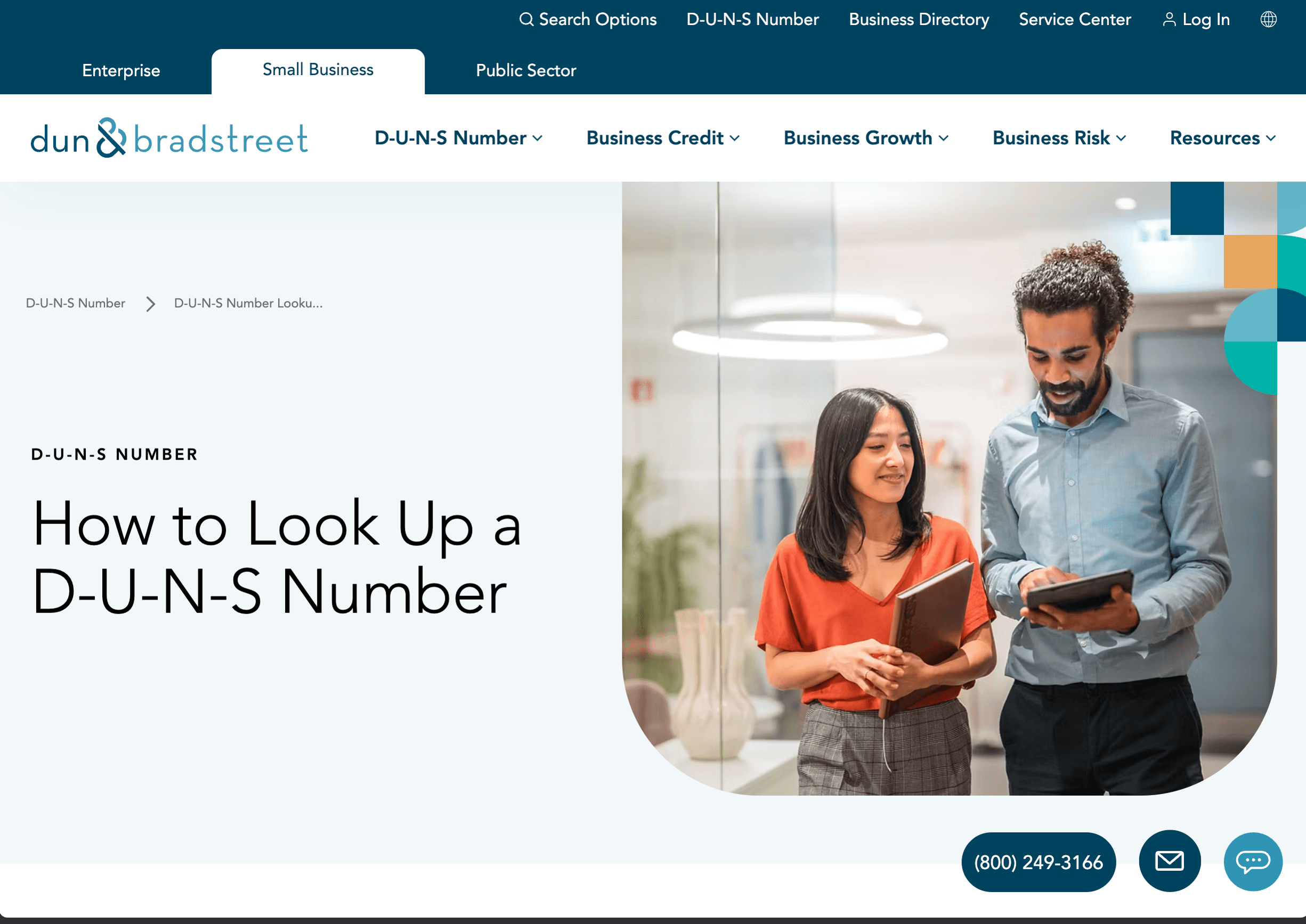
Use the global Dun & Bradstreet lookup to search for your company by its exact legal name and South African address. Apple also runs its own D-U-N-S lookup, which is often the easier of the two for South African companies -- and if no record is found, it gives you the option to submit your details to D&B for a free number directly. You'll need your legal entity name, headquarters address, mailing address, and work contact details to hand.
If the global lookup doesn't offer the right search fields for South African companies, you can ask TransUnion to check their records before requesting a new one -- just mention in your email that you'd like them to confirm whether a record already exists.
If a matching record does exist, request the number so you can use it. Don't create a duplicate by requesting a new one under a slightly different spelling or trading name.
Step 3: Prepare Your Request to TransUnion
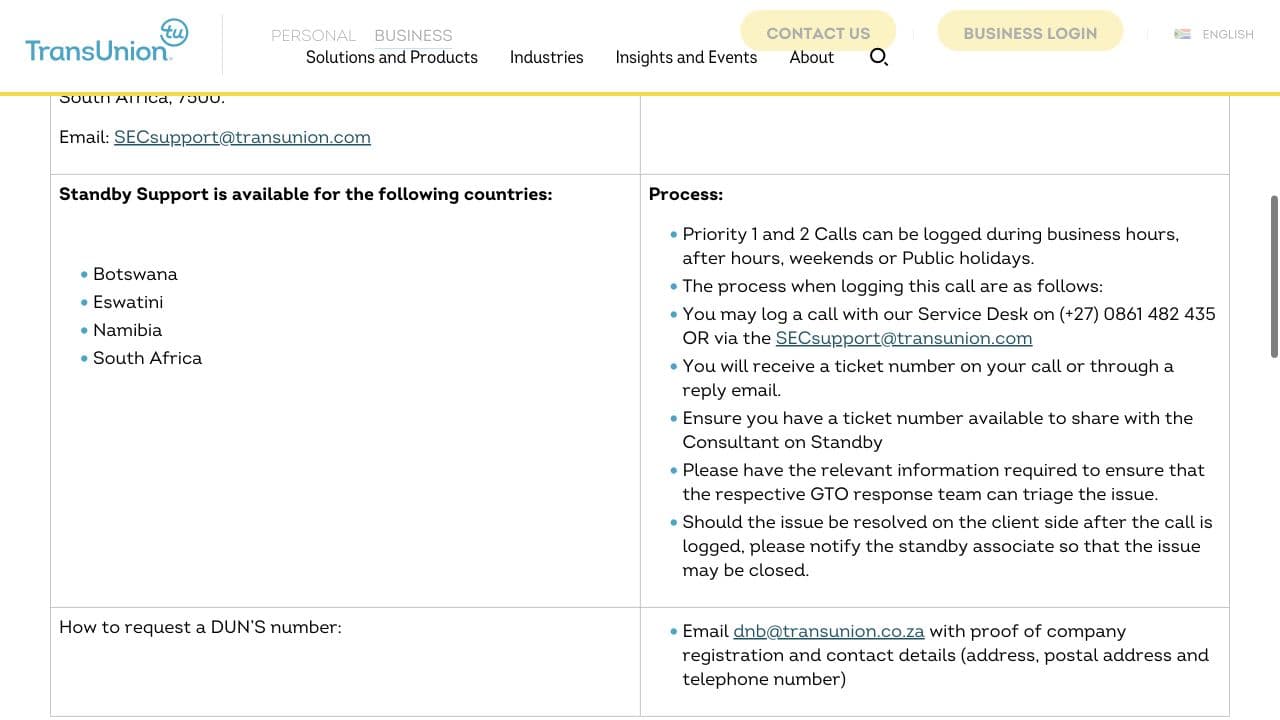
If no existing record was found, you'll need to email TransUnion to request a new D-U-N-S Number. Their email address is dnb@transunion.co.za.
In your email, include:
- Your company's physical address, postal address, and telephone number (these are the details TransUnion specifically asks for).
- Your CIPC registration certificate as an attachment.
- Your company's registration number, the contact person's details, and your website -- these aren't always required, but they help TransUnion identify your entity clearly and can speed things up.
Use a clear subject line like: Request for a D-U-N-S Number -- Your Company Name (Pty) Ltd
Step 4: Send the Request and Save Your Reference
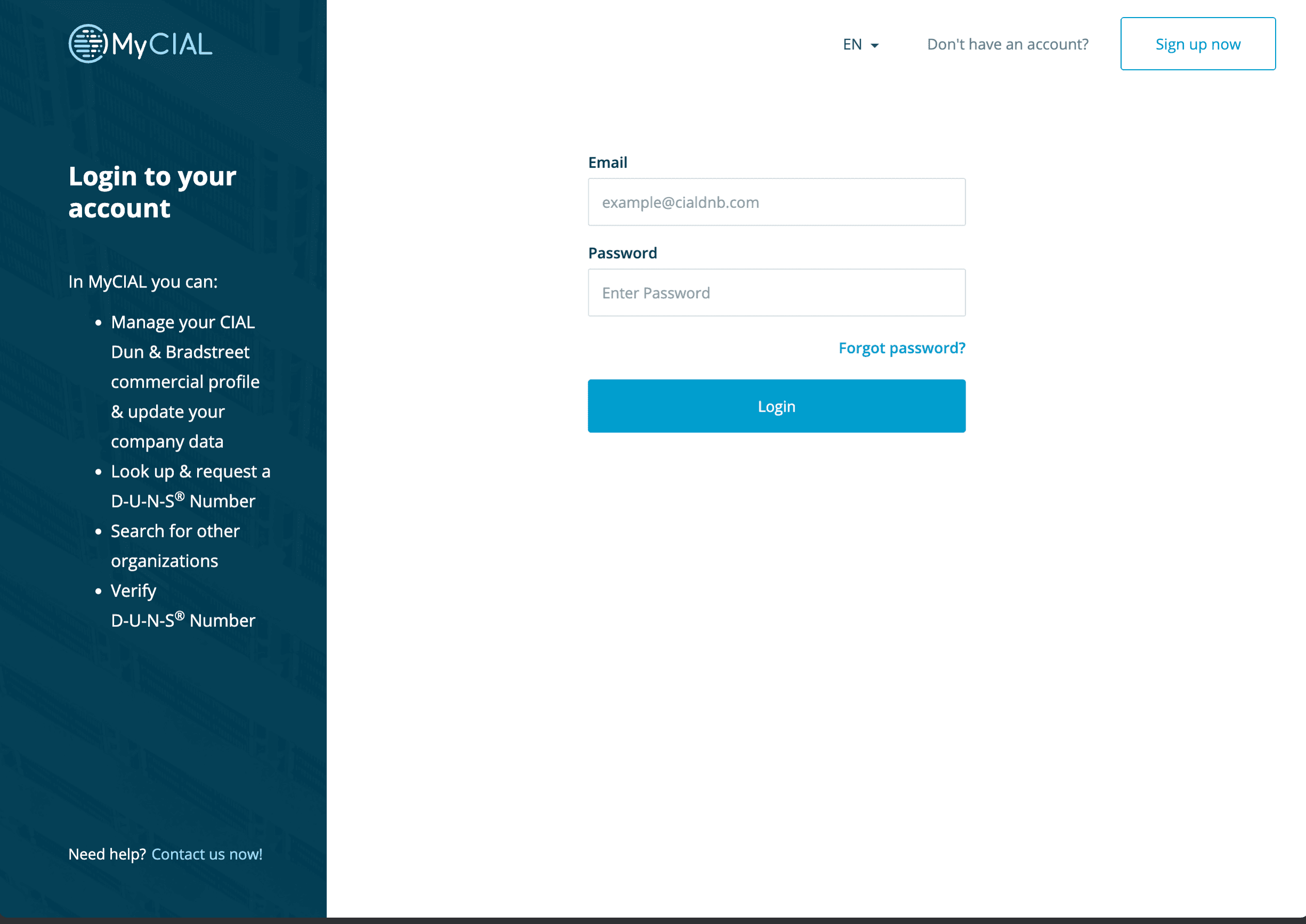
Send the email from a company email address (rather than a personal one, as this adds credibility to your request). Keep the sent message, any auto-reply or ticket number you receive, and copies of the attachments you sent.
Having all of this together makes it easy to follow up if you don't hear back within a reasonable time.
Step 5: Respond to Any Verification Questions
TransUnion or a D&B representative may get in touch to verify details about your company -- things like its legal status, address, contact person, number of employees, or what the business does. This is a normal part of the process.
Respond promptly, and make sure the details you provide match your CIPC registration. Consistent information across all your records is what makes the process go smoothly.
Step 6: Record Your D-U-N-S Number
When your number arrives, save it alongside your other company records (like your CIPC registration number and tax details). Check that the legal name and address in the D&B record are correct -- if anything is wrong, ask TransUnion or D&B to correct it before you try to use the number for developer enrollment.
Your D-U-N-S Number doesn't expire, and you don't need to request a new one for each platform. The same number works for Apple, Google, and any other service that asks for it.
Step 7: Wait for Developer Platforms to Sync
Apple recommends allowing up to two business days after D&B creates or updates a record before attempting organization enrollment. Google may also need time to pick up a new or corrected record.
If you try to enroll and the platform doesn't recognize your number yet, wait a day or two and try again before contacting support or creating a duplicate request.
Once your D-U-N-S Number is recognized, you're ready to continue with:
Completion Checklist
Troubleshooting
- You haven't received a reply from TransUnion: Follow up by replying to your original email (so they can see the full thread) or by sending a new message to
dnb@transunion.co.zawith your original subject line and any reference number you received. - The legal name or address in the D&B record is wrong: Ask TransUnion or D&B to correct the existing record. Don't request a second D-U-N-S Number with the corrected details -- that would create a duplicate.
- Apple or Google still shows old data when you try to enroll: Wait the full two business days for the platforms to update, then try again using your exact legal name and address. If it still doesn't work after waiting, contact Apple or Google support.
Security Reminder
Your registration documents and TransUnion correspondence contain private company and contact details. Only send them through the official TransUnion or D&B channels -- never through a third-party service you're unsure about. Store the issued D-U-N-S Number with your company records, and redact sensitive information from any screenshots before sharing them.
Official Sources

How long does it take to get a D-U-N-S Number in South Africa?
Dun & Bradstreet allows up to 30 business days for standard processing, though South African requests through TransUnion are often resolved faster. Apple advises allowing up to 5 business days to receive your number after requesting it, then a further 2 business days for Apple's systems to sync with D&B before you enrol. Start the process at least a month before you need to publish an app.
How much does a D-U-N-S Number cost?
Requesting a D-U-N-S Number is free, both through TransUnion in South Africa and directly from Dun & Bradstreet. D&B sells an optional expedited service that returns the number within about eight business days, but this is never required. Third-party resellers charging for 'instant' issuance are unnecessary -- plan ahead and use the free official channel.
Do I need a separate D-U-N-S Number for Apple and Google Play?
No. A D-U-N-S Number identifies your company, not a specific platform, so one number works for Apple, Google Play, and any other service that asks for it. Google Play makes a D-U-N-S Number mandatory for organization developer accounts, and Apple requires one to enrol as a company rather than an individual.
Can I get a D-U-N-S Number without a registered company in South Africa?
No. A D-U-N-S Number is issued to a registered legal entity, so you need an active CIPC registration such as a (Pty) Ltd, and you must use the exact registered legal name rather than a trading name. If you are a sole proprietor without a registered company, Apple's individual developer enrolment does not require a D-U-N-S Number, but you cannot publish under a company name.
Does a D-U-N-S Number expire or need to be renewed?
No. A D-U-N-S Number is permanent and does not expire or require renewal. You only need to contact TransUnion or D&B if your company details change -- for example a new registered address or legal name -- so the record stays accurate for future verification.
What if my company already has a D-U-N-S Number?
Use the existing number rather than requesting a new one. Many South African businesses already have a record from dealing with international suppliers or certification bodies. Check the Dun & Bradstreet lookup or Apple's enrolment lookup first, and ask TransUnion to correct any wrong details on an existing record instead of creating a duplicate.